
The impact of communications technology on business

IS YOUR BUSINESS AT RISK FROM VIRUSES?

If something happened to your business software, what would it mean for your business? With technology playing an increasingly important part in most businesses, it’s more important than ever to make sure you have a plan in place to protect your business against unexpected events that might have a negative effect on your business and/or your customers.
In particular, it’s essential to keep your software up to date and protected against the increasing numbers of viruses, malware and spyware that can infect and corrupt it.
For example, currently there is an increased risk for many businesses with Microsoft’s announcement that from April 8 2014, it will no longer support the Windows XP operating system.
Since Windows XP was introduced 12 years ago, Microsoft has been supporting it with regular updates and security patches which help protect computers from viruses and other threats. However, as is normal with software products, Windows XP have reached the end of its lifecycle and soon, Microsoft will stop providing these updates.
What does this mean for your business?
If you are using Windows XP, once the updates stop from April 8 2014 your computer(s) could be at greater risk from harmful viruses and other malicious software. The impact of this type of software range from the annoying, to the potentially catastrophic. The risks include:
- Business Disruption: Malware could make infected computers run very slowly, or even stop working altogether. PCs may also be constantly re-directed to malicious websites.
- Financial Risk: Cyber criminals could use spyware to steal usernames and passwords, credit card details, and bank account details.
- Lost Business Data: Data on infected PCs could be corrupted or deleted altogether. At-risk data could include marketing databases, customer and supplier lists, financial accounts and tax records.
- Damage to your reputation: Infected computers could be used to send spam emails and viruses to other PCs, including your customers’ PCs.
- Incompatible hardware and software: If you purchase new peripherals such as printers or scanners, or new software, they may not work with Windows XP.
These are worst-case scenarios, but there’s little doubt that the risks for PCs running Windows XP will continue to rise over time once the support ceases.
What should you do to protect your business?
Like any other risk in your business, you should take action to minimise it. If your software is becoming out of date, like Microsoft’s Windows XP, you should contact your software provider as soon as possible and upgrade to a newer version that is fully supported. It’s also good idea to regularly check that your business’ operating system and all software installed, including anti-virus and security software is up to date in order to minimise potential risks.
How Essential is Anti-Virus Software for Your Business?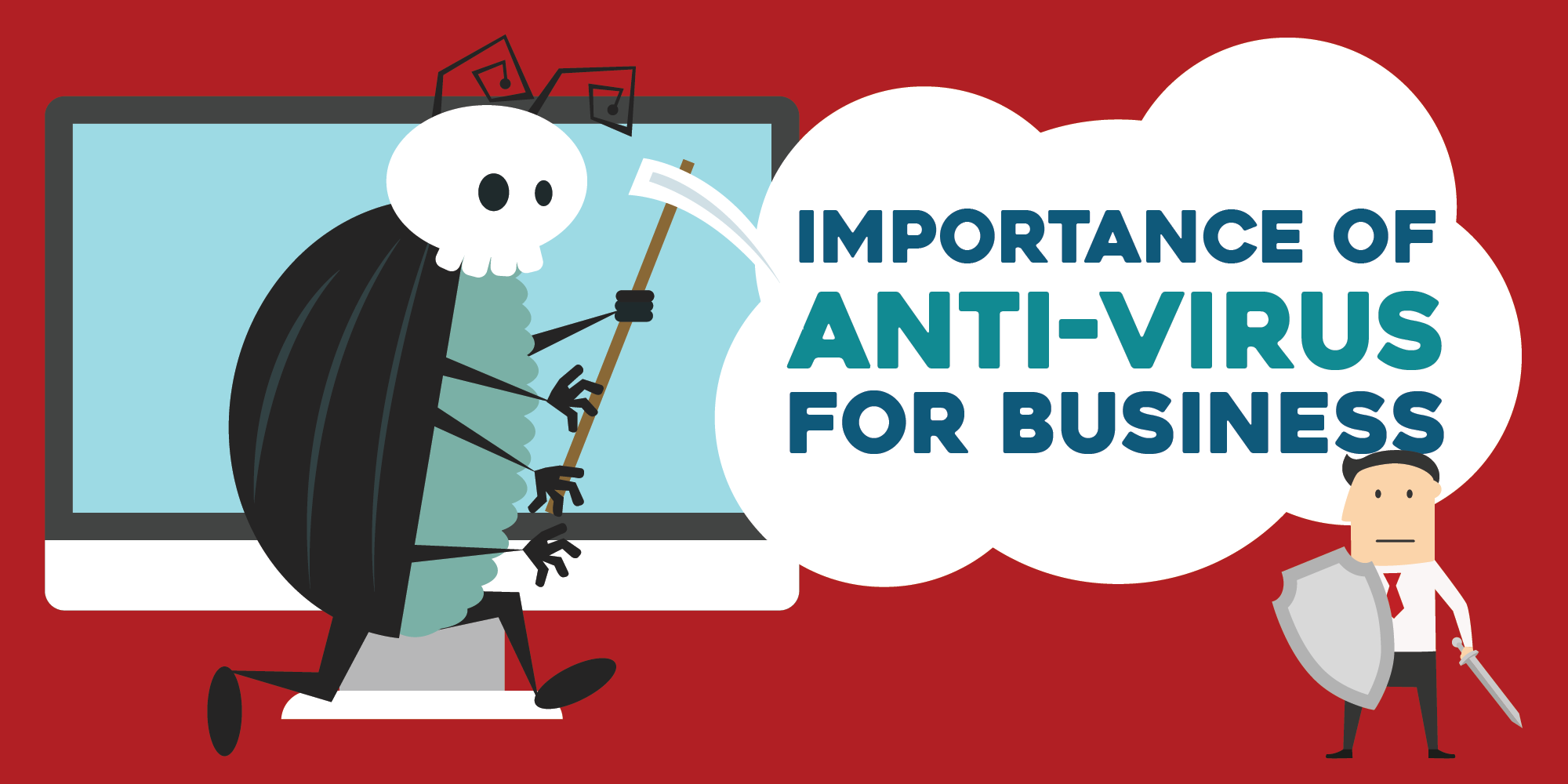
Nowadays, there are many businesses that turn to the internet to further widen their reach. Having your own site has been useful in letting more customers have access to the products and services that you offer. But of course, there are a lot of risks that comes with the use of connected computers in business.
There is always the matter of human interference – hackers who would intrude your website to gain your clients’ information such as credit card numbers. And then there’s also the problem of viruses and malware wreaking havoc either simply do harm or to extort money.
So here comes the question, just how necessary is it to install antivirus protection for your business?
While a lot of companies deemed enterprise antivirus software as a waste of money for not being able to detect all threats before they can do damage to their computers, there is no denying the necessity of anti-virus protection in every organization’s IT department.
While the main threats that most companies face that make headlines nowadays is usually hacking and data leaks, these usually come by way of a virus or malware that takes advantage of a security loophole, which makes these preventive measures more relevant than ever.
The problems caused by viruses and malware range from harming your network to hindering your business, overworking your PC’s CPU processes while consuming loads of memory, and even spamming your precious contacts with harmful or corrupted data.
Despite the decline in popularity on everyone’s subconscious, Anti-virus protection software remains a viable way to avoid getting a bad business day out of a malicious software attack.
So how do the top free antivirus vendors stay relevant in their latest offerings? The key area that most businesses need to take into consideration these days is how the cloud factors into all this. With the Internet of Things being an ever growing buzzword for moving technology forward, the cloud has played a major role on showing businesses the overall direction its taking.
Since businesses are embracing the idea of storing important and critical data in the cloud especially now that it is becoming more cost effective, the next big thing is offloading our processes in the cloud. That’s the whole premise of the cloud antivirus. Instead of relying on each and every business workstation in periodically checking if everything is completely safe, the next generation of endpoint security is in leveraging machines with dedicated hardware to do it for them in the cloud
What makes this idea of an online scanner the logical next step is that it makes virus & malware definition updates virtually extinct. Not only do cloud antiviruses remove the process of locally scanning for threats but it also omits majority of the updating since virus definitions are now continually updated in the cloud.
Businesses are now embracing the prospect of getting protected in the cloud with the added benefits of better performance and virtually zero down-time in productivity. Viruses and other malicious software are a problem that will continue to plague businesses as it increases its reliance on the web for productivity.
Keep in mind that the traditional protection that you can usually get with free antivirus may be losing relevance, but make no mistake – anti-virus and anti-malware software are here to stay. It is up to businesses whether or not they are willing to move their implementations towards the newer and better iterations of protection software.
Whether or not cloud is the right direction remains to be seen, but it’s where most of the security innovations are heading at the moment.
Confidential Information Leaks and Your Employees
What is an information leak?
An information leak takes place when confidential information is revealed to unauthorized persons or parties. Any cursory scan of news sources demonstrates that unfortunately, data leaks happen with alarming frequency. Unsurprisingly, if the information is leaked concerning project deals or tender information, there can be a large loss of revenue for your business.
Information leaks may not always appear to directly hamper your business; however, there are often indirect repercussions. The leakage of confidential customer information can harm the reputation of your company in the marketplace. Future customers will be apprehensive about working with you, or in divulging personal information to your company.
How to
Handle upper management carefully
IT professionals often work under the umbrella of technical terminology that’s not always accessible to those outside the department. This issue, among others, can cause friction between executive teams and those responsible for managing security. Interested in learning more? We’ve written a blog post on the resistance IT professionals can be met with when communicating cyber security issues to management.
Management teams are often the gatekeepers of important information. Often time’s confidential client information is not accessible to employees at a lower level in the company hierarchy. This opens up the possibility of an information leak stemming from upper management. That’s why it’s important to include executive members in all cyber security training sessions, regardless of whether they deem it necessary. It’s also another reason why it’s always a good idea to manage relationships carefully, ensuring that employees who leave your organization do so on a positive note. If the employee is happy they’re less likely to share information that could compromise your business.
Preventive measures
There is no point in crying over spilled milk. Once a client’s information is leaked, nothing much can be done about it. You can file a complaint, inform authorities about the infraction and wait for the law to handle the matter. All the more reason for you to work harder to prevent any future leaks. Here are some tips for preventing a security breach at your business:
- Mitigate threats from ex-employees by carrying out stringent security checks both before they’re hired and after they’ve left.
- Change passwords after the departure of any employees who have had access to sensitive information.
- Carry out a security check on all official and unofficial accounts and mail of ex-employees, at least once a month.
- Keep a regular check on the outflow of confidential information from the company.
- Improve internal systems and ensure that both the Human Resources and IT departments of your company work hand in hand to protect vital information.
- Collect workplace feedback from employees on a regular basis so that you will be able to nip any employee negativity in the bud.
- Hire information security and management controls.
- If personal mobile devices are being used, implement a BYOD policy. Unsure of what to include? Here are 7 suggestions on what to include in your BYOD policy.
Don’t impose blanket bans on employees – in order to work effectively they do require timely access to data. Blocking access to information may do more harm than good, and is not the solution to prevent future confidential customer information leakage. Instead, focus on training employees and giving them the skills and confidence they need to make security decisions.
Unfortunately, there are instances where employees have accidentally leaked confidential information. In such cases, the employee should be given the benefit of the doubt. Penalizing or firing such employees may lead to the loss of good talent and even create a negative impact on employee morale. Instead, strive to develop awareness across your organization about the risks of communication and IT leakages. Try new tactics to get people excited about cyber security, so that they’ll be interested in playing a more active role in protecting your organization.
How are you working to mitigate the risk of data leaks at your organization? Let us know in the comments below.
 Rio Simpson